
Please Note: Clicking on an image will take you to a higher resolution version of the image you clicked on.
2025-09-19: There has been some recent interest expressed in the Milwaukee 2700-20 ONE-KEY Adapter. Since I have access to one, I figured I could at least upload a little information about it. This is not a deep dive into the hardware or any sort of reverse-engineering attempt (yet). Mostly just images and a surface analysis. First, a couple outside shots:


Label side image.

Bottom, M18 Battery side. Notice that there are 5 terminals... This seems a little...odd.

Tool Side Connector
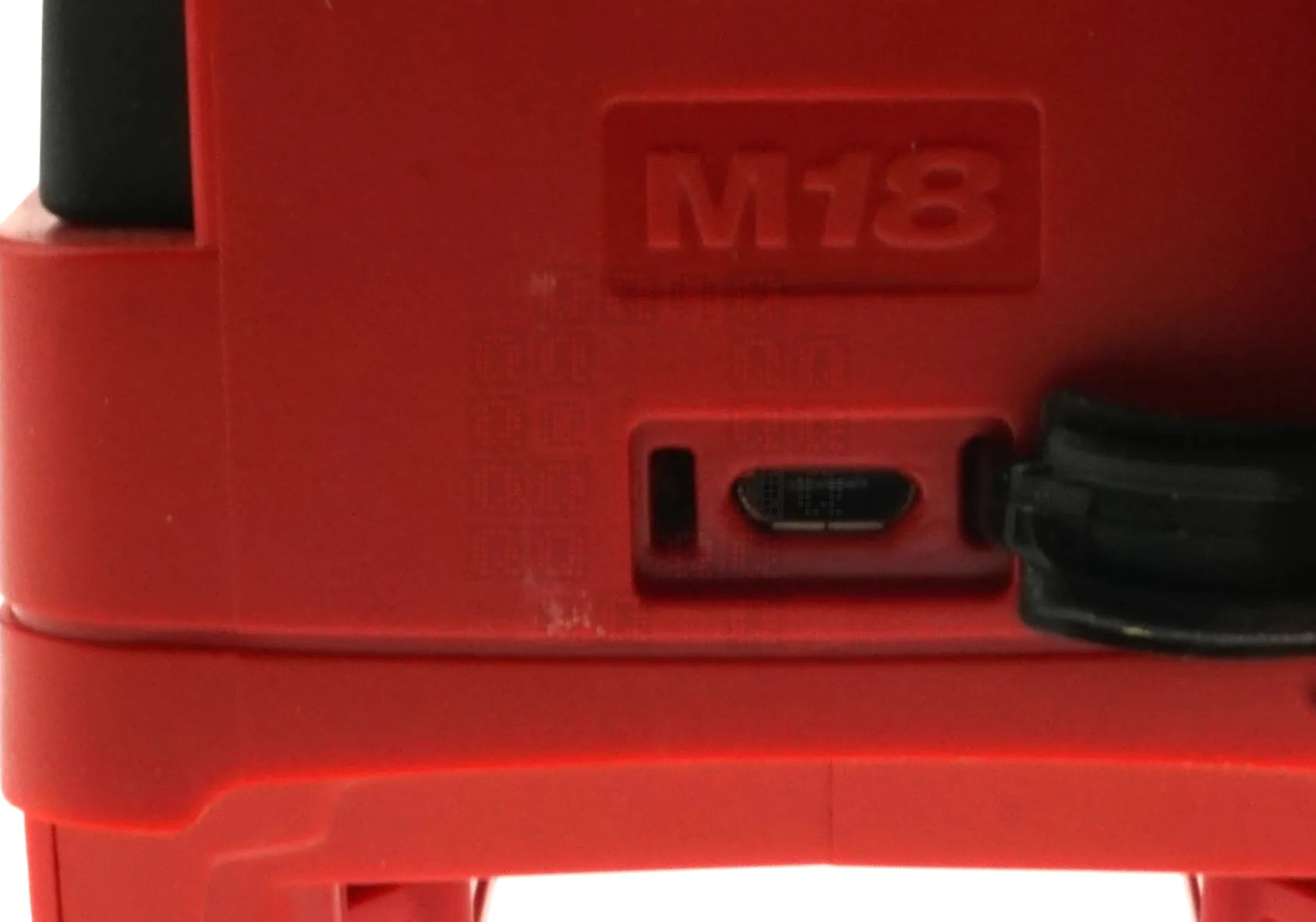
Under the rubber plug, there is a micro usb connector for connecting this unit to a computer.
But I don't think anyone is here for outside photos... So lets dive in a little deeper...

Four screws on the bottom allow the top to open up.

A single screw separates the battery connector cover to allow further disassembly.

Battery connector cover halves

Six more screws buried beneath the circuit board allow the tool connector and switch/led circuit board to be removed. This is the inside of the top (tool side) cover.
But this is still not what people actually want to see... So lets go on to the circuit boards...

This is the switch and blue LED circuit board - really simple - 3 wires.

Top of the main circuit board. Lots of interesting stuff here.
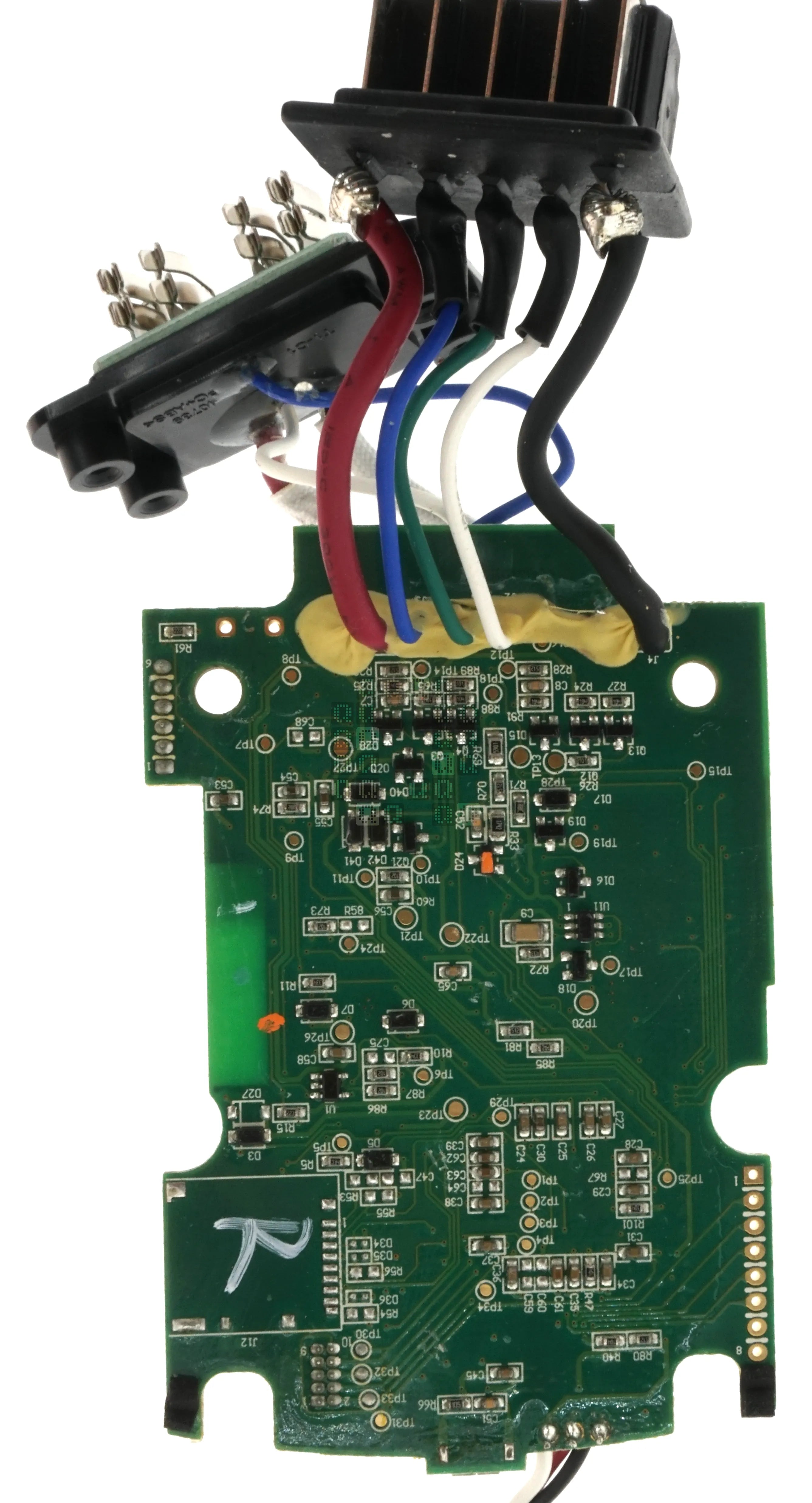
Bottom of the main circuit board. Not much down here except what appears to be the footprint for an SD card (J12)

Circuit Board Label - Open Link Adapter Module, Revision 13 16-4-15 1523 KB-6160. So what is OPEN-LINK? (I can't find anything about this... I thought this was ONE-KEY branded?)

Lets jump up to the micro usb connector. The 3 wires to the right are the wires that go to the switch/led circuit board. USB connections appear to run directly into the main IC U5. No USB-Serial connectors anywhere I can see. X1 is a 25MHz crystal. X2 is labeled 12C25; unsure on actual frequency.

This module appears to handle the Bluetooth v4.0 connection. Label is bluegiga BLE112-A. Datasheet Here. hmm... embedded 8051 processor for embedded applications.. White rectangle in the upper left is the actual antenna.

The BLE112-A module connects directly to J22, a 6 pin header. Pin 1 connects to the ground plane. Pin 2 connects to Pin 2 (AVDD). Pin 3 connects to Pin 4 (P2_2) and Pin 4 connects to Pin 5 (P2_1). Pin 5 connects to Pin 29 (RESET) through a 2.2K resistor. No obvious connects on Pin 6.

The most interesting part of this circuit board is U5 - a Texas Instruments TIVA TM4C129 CNCPDT3 Microcontroller. (Datasheet Here.) This microcontroller seems LOADED with features, but not so much with memory - USB 2.0 OTG, one ARM Cortex-M4F processor core at 120MHz, 1MB Flash, 256KB SRAM, 6KB EEPROM, CRC, AES, DES & SHA/MD5 Hash functions, 10 I2C modules, 2 CAN busses, 4 SSI Interfaces and 8 UARTS... Wow. Everything runs into this microcontroller! (there appears to be an unpopulated EEPROM at U6 that I did not image)

First, there appears to be an unpopulated micro-SD card slot on the board.

Then J15. Pin 8 is Ground.

There is also a populated J13 Header that appears to run directly into U5.
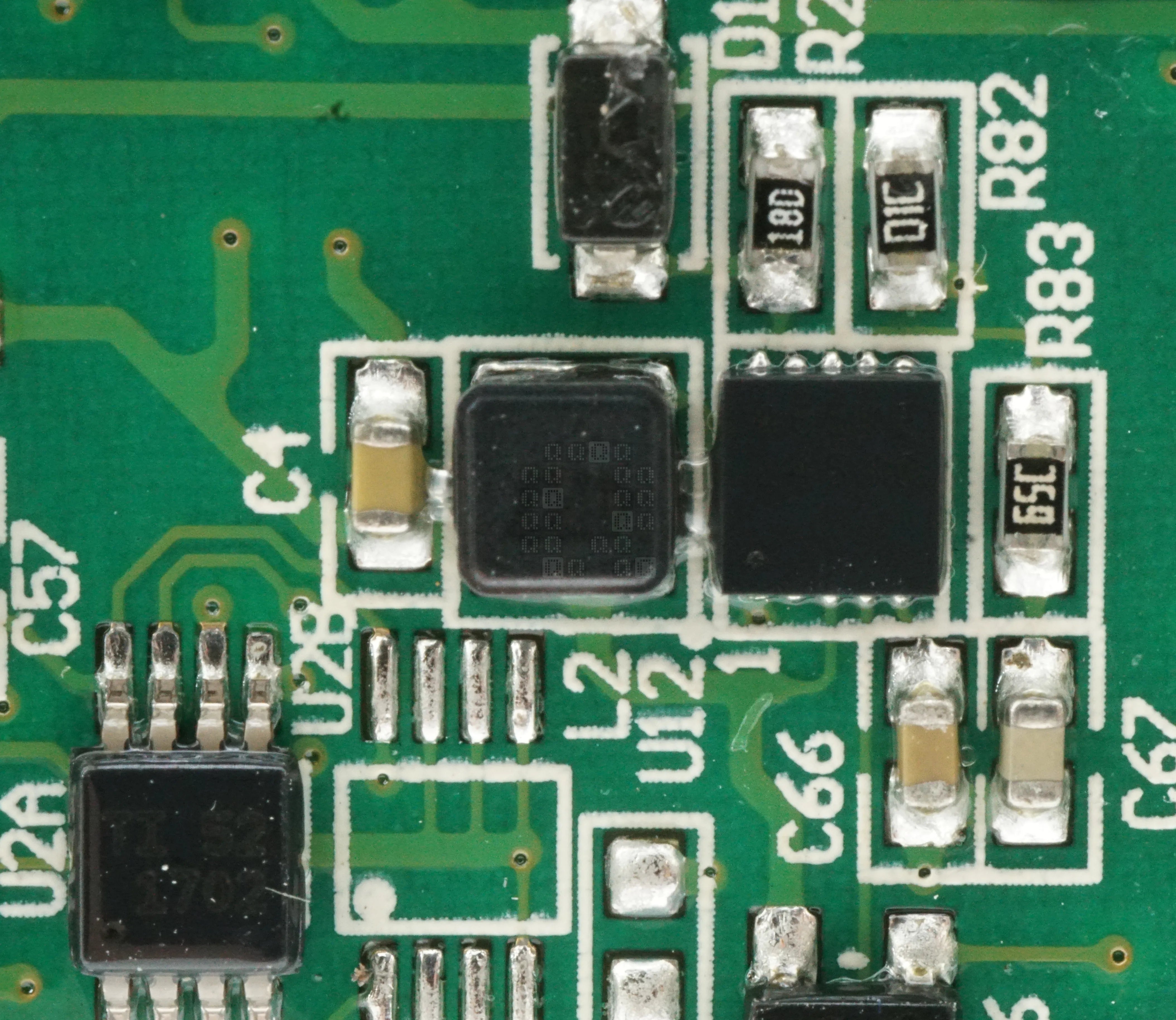
There appears to be a small power inductor and associated circuitry here. U12 is labeled '465KE L4510' (maybe a Synchronous Step Up DC/DC Converter? I'd assume you'd want a Step Down, but I didn't design this & don't know the purpose). U2A is labeled TI 52 1702 (Wasn't able to ID this one)
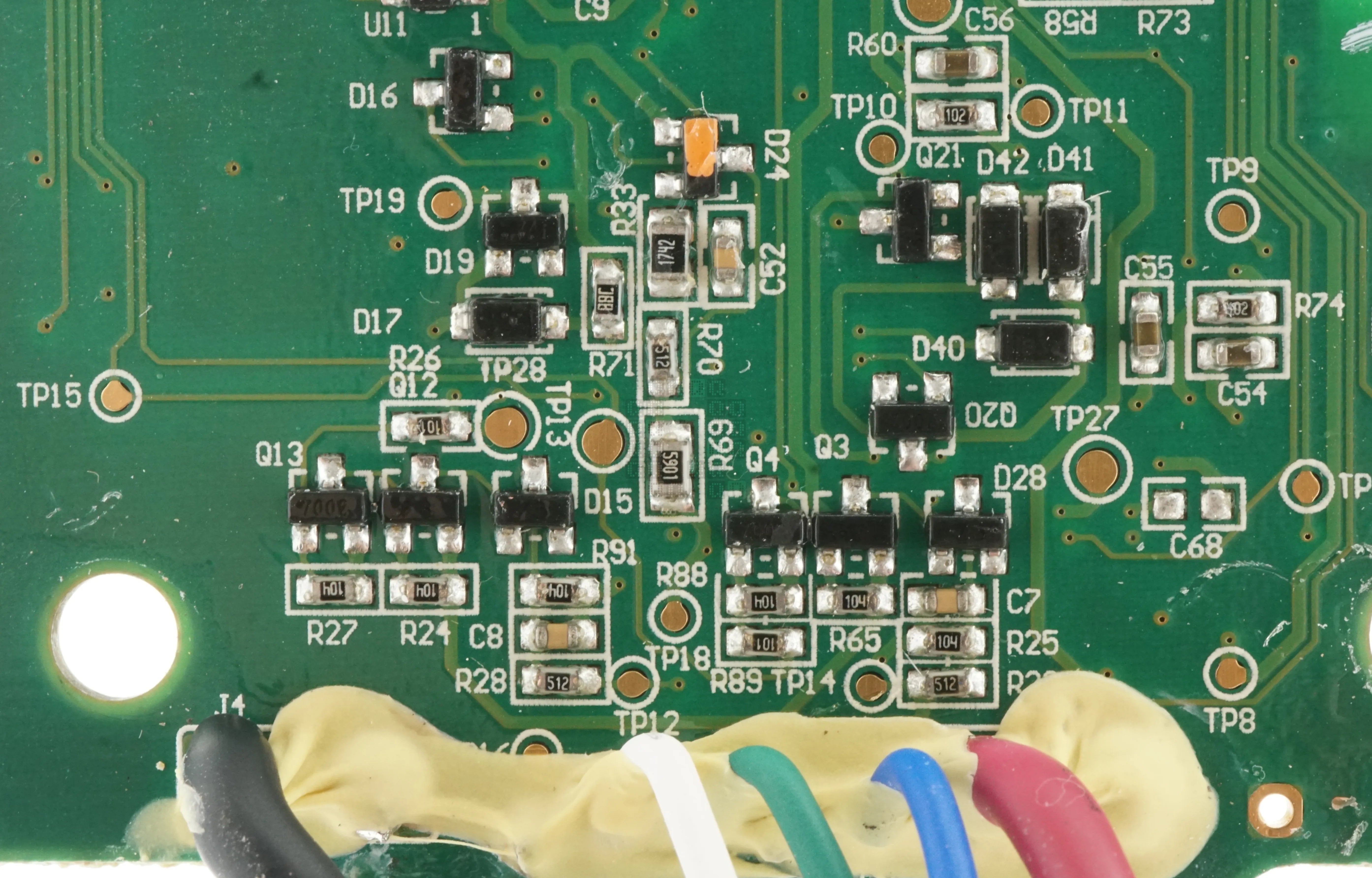
Both sides of the board have fairly similar collection of transistors and diodes relating to the communication wires. While the power connections pass through, the communication wires do not and all seem to connect directly to U5
Update: FCC ID does not turn up much useful information due to the applicant's Confidentiality Request (PDF, 92KB).

This is the english portion of the instruction sheet that comes along with this tool. Not really much of interest here though.
So lets look at software for this hardware:
Currently, you need to go to Milwaukee's Quicklink Website in order to use this hardware. This website requires a Milwaukee dealer login as well as authorization from inside Milwaukee to get into the repair program for these tools. Probably a dead end here.
Previously, there was a standalone program that you could launch. This program, 'MET Support' (ZIP, 17.3MB) or 'ONEKEY Support' (ZIP, 9.33MB) has been discontinued and also has the same requirements as the online portal. However, there are some signed drivers in the package that may be useful. The actual support application shortcut seems to download a package from AWS to install.

Milwaukee has a ONE-KEY app available which appears to fulfil most of the consumer side functions via bluetooth.
2025-11-12: ooo... a shiny new version of this tool, the 2800-20 has just arrived. Stay tuned.